Creating slides with Markdown, the proper way?
Recently, David and I gave a talk on Critical Making in Makerspaces, and I wanted to make some slides to help us through the talk. Now at least in my spare time, I try to become more independent from Big Tech, which is one of the reasons I decided to once again try making those slides in Markdown and finding a decent converter tool for it.
For the talk itself, I ended up going using HedgeDoc, which enabled us to actually work on the slides together. You write your Markdown, have a decent document-style preview right next to your “code”, and with a click you can switch into presentation mode to check how things will look in full screen. That worked pretty well for the preparation and the talk itself.
But the troubles came later. We’ve been doing this kind of talks for a few years now, and have a tendency to want to keep our slides and notes for future use, but always forget about it, and when the next talk comes up we almost start from scratch again. So I decided to do it differently this time and try to throw the slides plus notes somewhere online. But Hedgedoc has no nice way to export the slides to PDF, much less add notes. So I went down a bit of a rabbit hole to figure out how to do this halfway decently.
Now there are a lot of different tools to “convert” Makdown into HTML slides, but only a small subset support printing or exporting. Testing them all out is a bit more troublesome because their Markdown syntax differs ever so slightly. The original slides I made had images with additional parameters to set their size, and that’s one thing beyond the original markdown spec, so every markdown parser does their own thing.
I ended up testing cleaver, marp and pandoc, at least to some extend, and ended up going with Pandoc for this final conversion.
Pandoc
Pandoc is pretty much the swiss army knife of document conversion. I’ve used it in the past for numerous things, like translating MediaWiki-formatting to Markdown, when migrating websites from one platform to another, or converting Markdown to PDFs. So when I found this article, I had to try it. Pandoc allows to convert directly to LaTeX beamer slide shows, but this was a bit too much for my quick tests. Additionally, it can convert to a number of HTML slide frameworks, which I ended going for. The article was helpful as a start, but I quickly dove into the actual Pandoc documentation, because of course, the devil is in the details.
HTML framework integration into Pandoc
As mentioned, pandoc supports converting Markdown to different HTML slideshow frameworks, particularly S5, DZSlides, Slidy, Slideous, and reveal.js. I had never heard of any of those besides reveal.js. Thus I just tried them out one by one, to find out that most wouldn’t really work properly. When digging into the documentation, I found the reasons for that: for most of these, pandoc expects the sources of the framework to be available in your local filesystem. And if that’s not the case, you will simply get some badly formatted HTML because all the CSS and JS magic of the framework is missing. But as soon as you provide the right files, it all looks great. For reveal.js, this may look as follows:
git clone https://github.com/hakimel/reveal.js.git
pandoc -t revealjs -s critcalmaking-pandoc.md -o critcalmaking.html -v revealjs-url=./reveal.js
Now if you want to share the resulting slides, pandoc allows you to take all of those dependencies, plus any images etc you have in your presentation, and include them straight into the output file. It might make the output file a bit bigger, but I still prefer that over having to deal with a bigger number of additional directories I need to upload to share this whole thing:
pandoc -t revealjs -s critcalmaking-pandoc.md -o critcalmaking.html -v revealjs-url=./reveal.js --self-contained
Side note, the pandoc documentation mentions this --self-contained parameter, but if you run it with that, I got the following warning message:
[WARNING] Deprecated: --self-contained. use --embed-resources --standalone
Speaker notes
For these kinds of talks, I want the slide to provide supporting material, such as images, quotes etc, but not tell the whole story; that’s what I or we as speakers are there. But this also means that keeping or even sharing the slides only tells part of the story, if at all. So I want to store and share notes as well. The Big Tech tools liek Powerpoint or Google Slides make that pretty easy, but Markdown world is a bit more difficult in that regard. First off, not many frameworks support this at all. Some have no practical ways of outputting these notes. And since this once again is nothing standardized in the Markdown spec, the frameworks providing support for speaker notes all handle it a bit differently, making comparisons more difficult. So I did some analysis based on documentation, and that was another reason why I went with reveal.js for now. Pandoc speaker notes in a slide look as follows:
## Was ist eine offene Werkstatt?
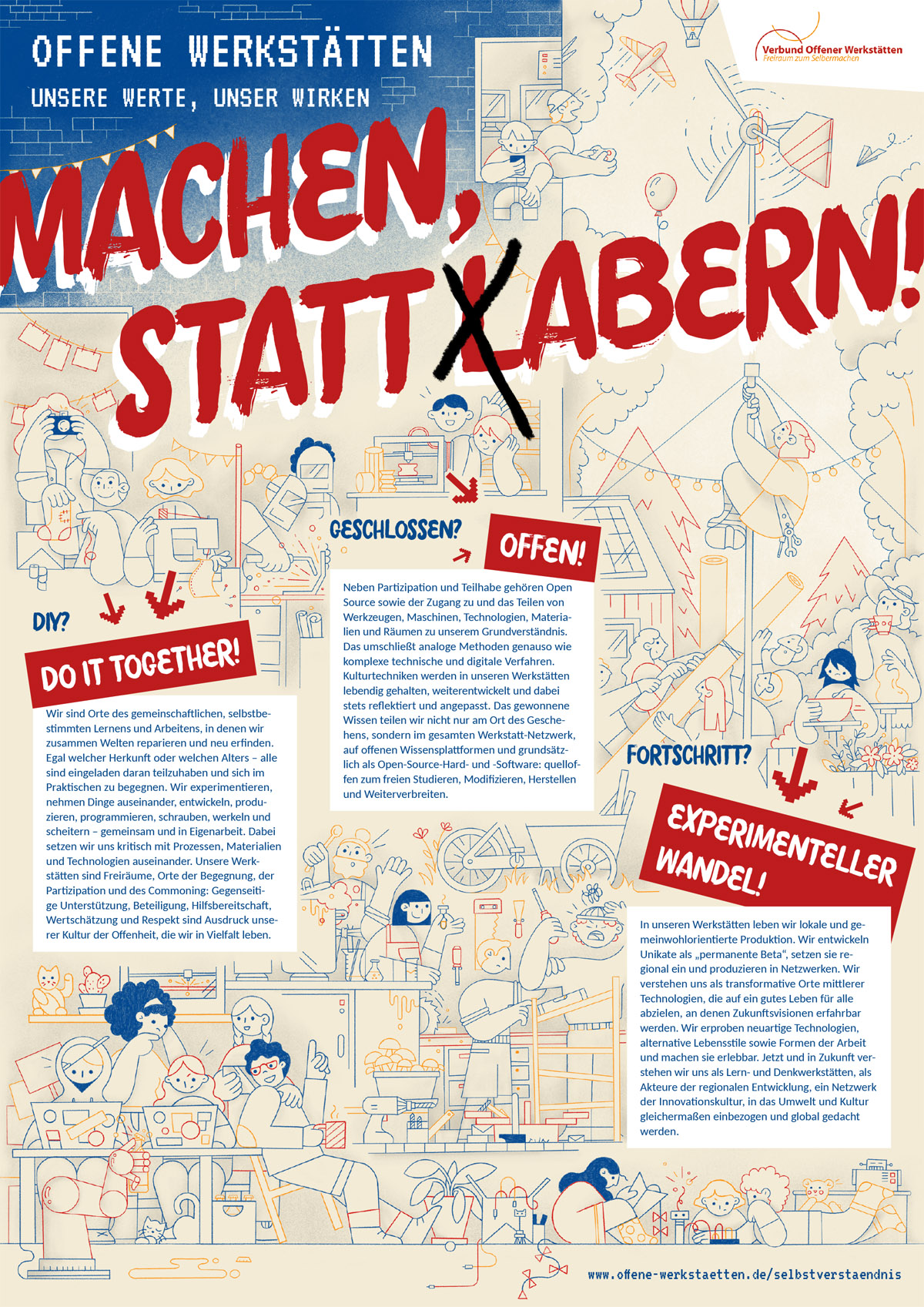{ width=300px }
::: notes
* Kurze Erklärung Offene Werkstatt
* Beispiele in München, mit Unterschieden, e.g. MakerSpace, HEi, MuMaLab, FabLab, Werkbox3
* Führung durch das MunichMakerLab
:::
Now we didn’t take notes during our talk so this as a bit of reverse enginerring on the content side, but I managed to add note content to at least a good chunk of our slides this way.
Sharing -> printing?
I wanted to share two version of the slides. One to go ahead and see the presentation as close to the original, so the resulting HTML. And a second version with slides and speaker notes, kind of like a handout for the speaker. The first was easy, the second not soooo much. It’s a bit of a multiple-step process:
- Create a HTML version with speaker notes enabled
pandoc -t revealjs -s critcalmaking-pandoc.md -o critcalmaking-handout.html -V revealjs-url=./reveal.js -V showNotes=true -V slideNumber=true --self-contained - open the resulting HTML in Print Mode -> append
?print-pdfto the .html file in the browser - print it to PDF
Printing to PDF didn’t seem to work quite as I wanted, but in the end I got a result I was comfortable enough to share
Simplify the build process
I ended up writing a tiny makefile to improve the process:
.PHONY: html handout pptx

html: slides-pandoc.md
	pandoc -t revealjs -s slides-pandoc.md -o slides-main.html -V revealjs-url=./reveal.js -V slideNumber=true --self-contained

handout: slides-pandoc.md
	pandoc -t revealjs -s slides-pandoc.md -o slides-handout.html -V revealjs-url=./reveal.js -V showNotes=true -V slideNumber=true --self-contained

pptx: slides-pandoc.md
	pandoc -t pptx -s slides-pandoc.md -o slides.pptx
Notice how you can also convert to PowerPoint. Which is great for speaker notes. But images didn’t work in there. Otherwise that might have been a neat hack to printing the handouts, until finding a better solution
Next steps
This is not perfect yet. I wanted to get the slides finished, so I did this under a bit of self-imposed time pressure. But having this rough framework in-place will allow me to test and tweak more things, like:
- Test the other pandoc supported frameworks again
- Optimize the handout printing process, e.g. with decktape
I will document the process over on notes.tiefpunkt.com, if you want to follow along. And if I ever find a proper setup I’m actually happy with, I might write another blog post.